Resources / Offices
Meeting Room Charging: Why Conference Tables Need Built-In Wireless Charging
A phone hitting 10% in a hybrid meeting means someone dropping off the call. Built-in charging belongs inside the table, with no cables on top of it.
The short version: meeting room charging is a fit-out decision. Here is why it belongs in the furniture instead of in loose pads on the boardroom table, and what to specify.
- Most meetings now include a remote participant, so a phone or laptop going flat mid-call is a live problem.
- Loose pads and cable nests on a shared table create clutter, walk off, and charge too slowly to matter.
- Built-in charging at each seat treats power the way a good room already treats audio and video: as part of the table.
- The cheapest time to do it is during the fit-out, while the joinery is open.
Picture the room you book most often. A shared table, a screen at one end, and a tangle of cables snaking toward the centre so someone can keep a dying laptop alive through a long call. That tangle is the tell. It says the room was furnished, then patched, rather than designed.
Meeting room charging has become part of how well a room works. People bring two or three devices to every meeting, the meeting itself depends on those devices staying alive, and the table is shared by everyone in the building. That combination turns charging from a nicety into part of the room’s basic kit, alongside the display and the microphone.
Why does meeting room charging belong in the table, not on it?
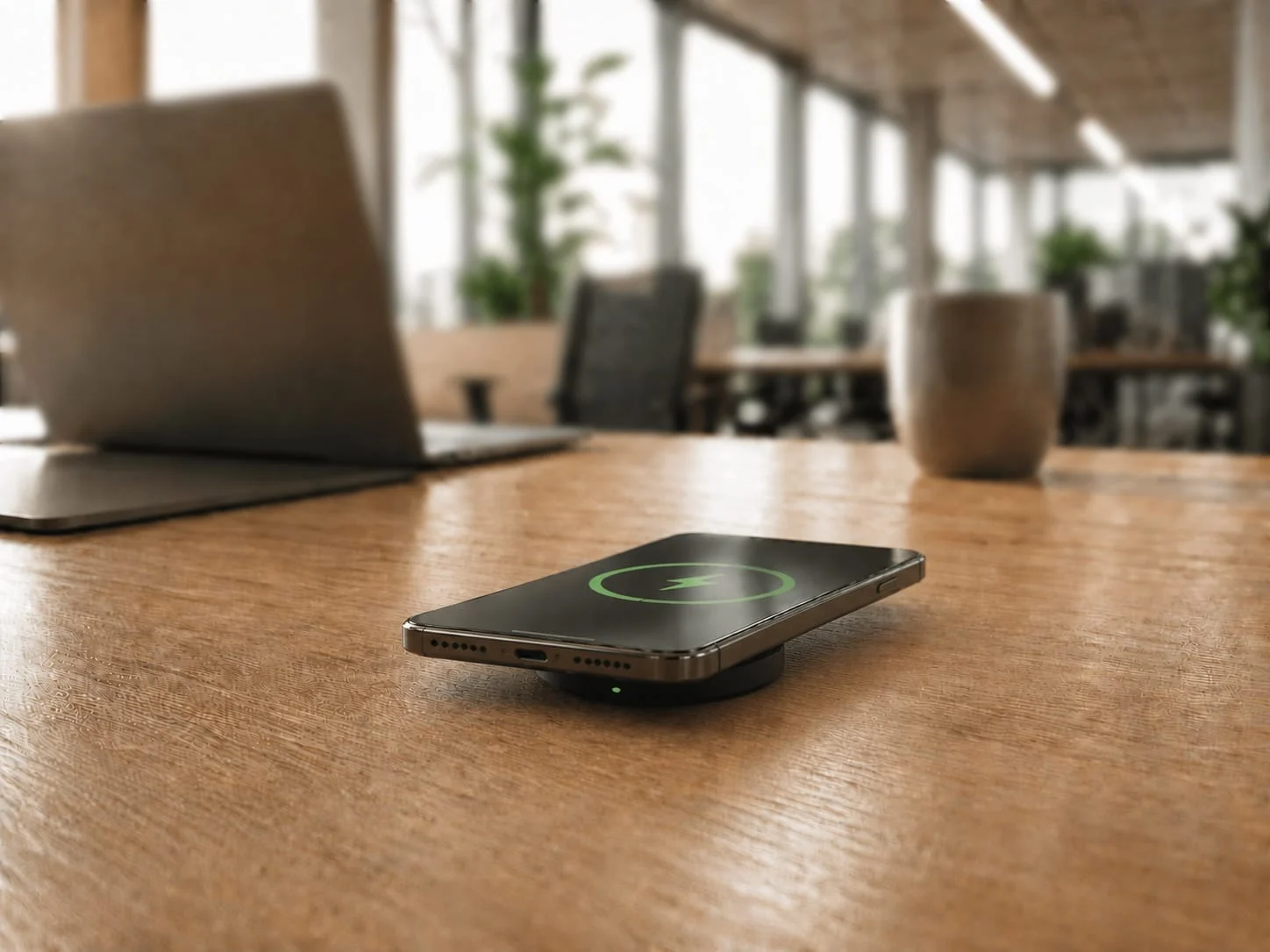
Because the table is the one surface every participant already touches. Power that lives inside the table is there for whoever sits down, in any seat, without anyone fetching a cable or claiming the one pad near the screen. Power that sits on top of the table is just more clutter competing for the same space as laptops, notepads, and coffee.
Durability is the other reason. A boardroom table is shared equipment used many times a day, for years. A loose consumer pad is rated for one phone on one nightstand. Drop that pad into daily shared use and it drifts, cracks, or disappears. Built-in charging is specified to the same standard as the rest of the room: fitted once, owned by the building, and expected to work every time.
The on-table approach always ends the same way. Pads migrate, cables reappear, and within a quarter the room is back to the tangle you started with.
What actually goes wrong without meeting room charging?
The meeting itself suffers, again and again. According to Owl Labs, 86% of meetings include at least one remote participant, so the people in the room are running cameras, calls, and screen shares off their own devices for the benefit of people who are not. A phone or laptop hitting 10% means a participant dropping off the call.
Then there is the volume. People now spend roughly 11.8 hours a week in meetings, by Reclaim AI’s count. That is hours a day, every day, with the table as the staging point for everyone’s hardware.
Finally, the friction adds up. Owl Labs found 72% of workers have lost time to meeting tech problems. Hunting for a charger, swapping cables, or moving seats to reach the one working outlet is exactly the kind of small delay that makes a room feel like it is working against you.
How does wireless charging in a conference table work?
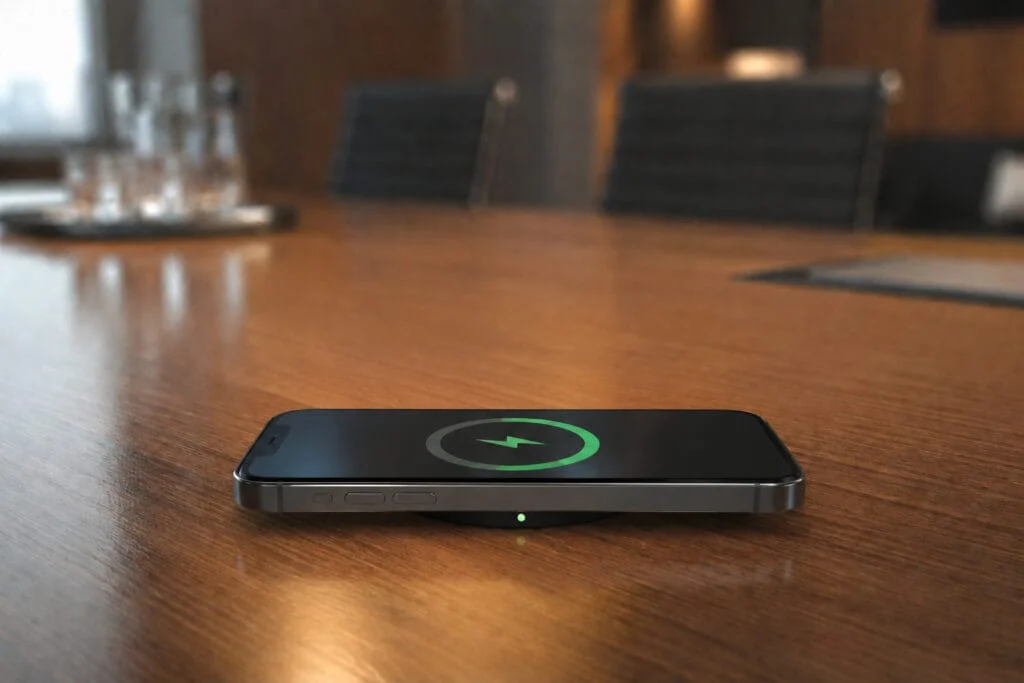
It charges by induction, with no plug at the device end. A coil in the charger creates a magnetic field, and a coil in the phone converts it back to current. The standard behind it is Qi, maintained by the Wireless Power Consortium, which is why one charging point serves iPhone and Android alike.
For a meeting room, the version of Qi matters. Older pads run at 5W to 15W, which barely moves a battery during a one-hour meeting. The newer Qi2 25W profile lifts that to 25W and adds magnetic alignment, so a phone snaps to the charging spot through the surface instead of being set down roughly near it. In a 45-minute meeting, 25W returns enough charge to matter. 5W does not.
The hardware lives underneath, fastened from below, so the tabletop stays clean. Our Qi2 charging explainer covers the standards in more depth. For a fit-out, specify 25W with alignment, or expect people to conclude the table “does not really charge.”
The boardroom problem: shared tables and mixed devices
A boardroom is the hardest version of this problem because nothing is standardised. Around the table you have iPhones, Android phones, and a mix of laptops, all belonging to different people, none of whom brought the right cable. The room has to serve all of it without anyone thinking about it.
This is where wireless wins on its merits. A single Qi charging point at each seat is device-agnostic: it does not care whose phone it is or which brand. Conference room guides now list reliable power readiness as a basic room essential, in the same breath as the camera and the display, because bring-your-own-device is the norm and every device arrives with its own battery anxiety.
Standardising on one universal charging point per seat removes the cable drawer entirely. No adapters, no “does anyone have a USB-C,” no leaning across the table. The room just keeps everyone’s devices alive.
Do loose charging pads work on a boardroom table?
Not for long. A loose pad solves the problem for a week, then becomes part of it. Pads slide around, get borrowed and not returned, and add their own cable back into the nest you were trying to remove. Dropping a wireless charger on top of the table does not reduce cable clutter, it just changes its shape.
There is a speed problem too. The cheap pads that end up on shared tables are almost always older 5W to 7.5W units. People set a phone down, glance back twenty minutes later, see the same battery percentage, and stop trusting the room.
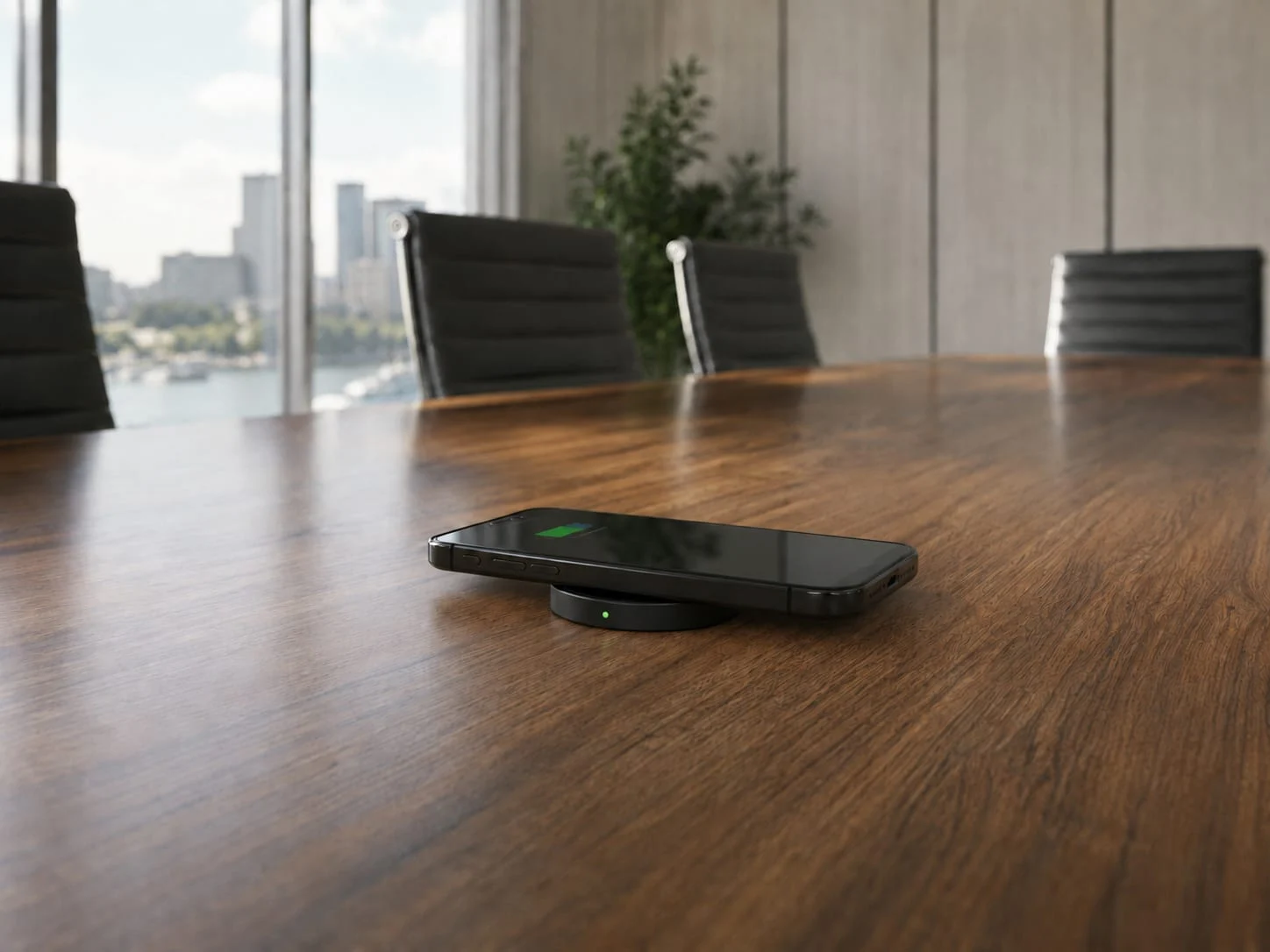
Built-in charging fixes both at once. The surface is the charger, the cabling is hidden inside the table, and the speed is high enough that people actually rely on it. That is the difference between a built-in desk wireless charger and a pad you bought to paper over the gap.
Designing charging into the fit-out
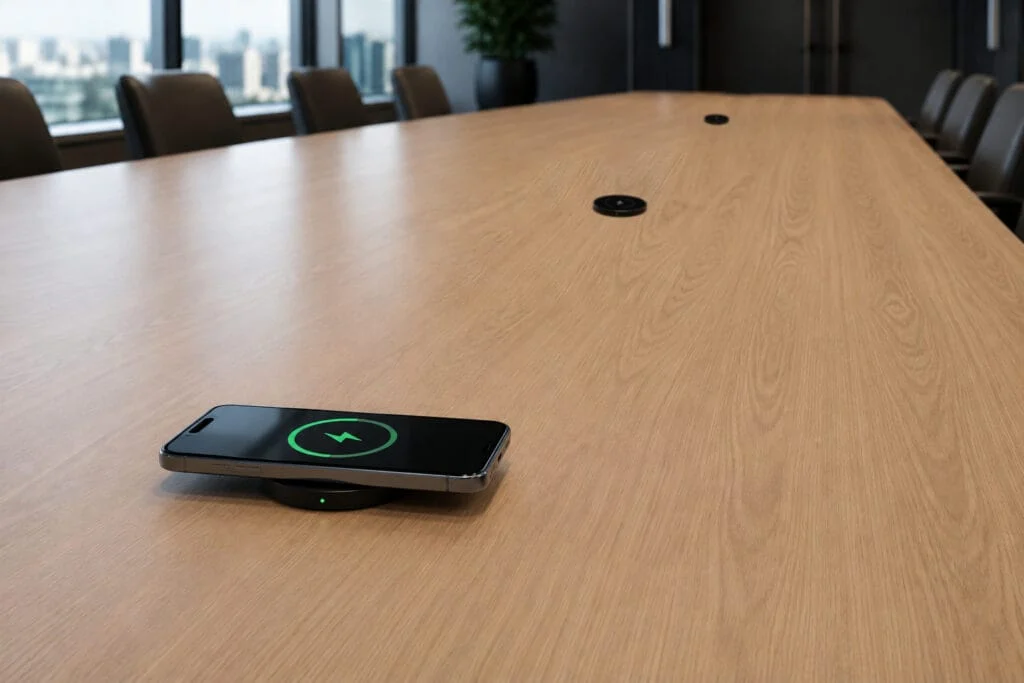
The cheapest and cleanest moment to add charging is while the table is being built or refurbished. Retrofitting later means lifting finished surfaces. Specifying it up front means the joinery is cut for it once and the room is done.
This is why so much workplace charging gets specified through fitout and joinery partners rather than bought piecemeal. The meeting room is one room in the broader office wireless charging picture, and the boardroom table is just one of the surfaces worth speccing when you are building charging into a fit-out. A purpose-built unit like the SwiftPro 25W installs through a single 15mm hole and fastens from below, so it leaves a low-profile pad on top, just 7.5mm proud, with no visible surface screws. It suits laminate, timber, stone, or composite surfaces between 10mm and 50mm thick, which covers almost any conference table. Maintenance staff fit it in minutes, with no electrician required.
There is a compliance reason to source the hardware through the right partner, too. A joinery firm that imports and fits its own wireless charging components becomes the importer of record. If a unit fails, the liability sits with the firm that installed it, and RCM marking on a self-sourced import requires conformance testing the importer has to commission. Specifying a unit that already carries that compliance takes the exposure off the table, which is one reason fit-out partners increasingly prefer to integrate a supplied product rather than a generic component.
The result looks designed in: a clean boardroom table where every seat charges a phone the moment it is set down, with nothing on the surface and nothing trailing to the floor. If you are scoping a fit-out, our workplace charging page covers how the units integrate.
How should you specify meeting room charging?
Specify it the way you specify the room’s power and AV. Five points decide whether it works:
- Speed. Require 25W. A unit that meets Qi 2.2 MPP standards with magnetic alignment is the only tier that returns useful charge inside a normal meeting.
- Universality. One charging point per seat that serves any Qi phone, so iPhone and Android users get the same result.
- Certification. For the Australian market, confirm the unit is RCM marked and AS/NZS compliant. A consumer import usually cannot show this.
- Integration. Build it into the table, fastened from below, so the surface stays clear and the cabling is hidden in the furniture.
- Timing. Specify it during the fit-out. Retrofitting a finished boardroom table costs more and looks it.
The payoff is small but constant, and it lands on exactly the thing offices are now judged on. Nearly 40% of employees think their office experience could be better, by JLL’s research. A meeting room where the table just charges your phone is one less reason the office feels harder than working from home.
Frequently asked questions
Does it work in a boardroom with mixed iPhones and Android phones?
Yes. A single Qi charging point at each seat is device-agnostic: it does not care whose phone it is or which brand. iPhone and Android users set their phone down on the same spot and get the same result, with no adapters and no shared cable to hunt for.
How does it install into a conference table?
The SwiftPro 25W installs through a single 15mm hole and fastens from below, so the cabling stays hidden inside the furniture. It suits laminate, timber, stone, or composite surfaces between 10mm and 50mm thick, which covers almost any conference table. Maintenance staff can fit it in minutes, with no electrician required.
Which Qi version and charging speed should I specify?
Specify 25W with magnetic alignment. The SwiftPro 25W is built to the Qi2.2 standard, delivering 25W to capable iPhones and up to 15W to other Qi phones, and the magnetic alignment snaps the phone to the right spot through the surface. Older 5W to 15W pads barely move a battery during a one-hour meeting, so the speed tier is the difference between a table people trust and one they conclude “does not really charge.”
Will it clutter the table?
No. The hardware lives underneath and fastens from below, so the tabletop stays clear and nothing trails to the floor. The SwiftPro 25W leaves a low-profile pad on top that sits just 7.5mm proud, with no visible surface screws.
Is it durable enough for daily shared use, and is it compliant?
It is built as commercial equipment, not a consumer pad rated for one phone on one nightstand. The SwiftPro 25W carries a 24-month commercial warranty, and for the Australian market it is RCM marked and AS/NZS compliant, which a generic consumer import usually cannot show.
Fitting out or refurbishing meeting rooms? Stay Charged supplies commercial wireless charging built for Australian workplaces, and works with office fitout and joinery partners to integrate it into conference and boardroom tables. Book a free consultation to scope the right units and layout for your rooms.