Resources / Offices
Office Wireless Charging: The Workplace Infrastructure Decision, Not a Desk Gadget
Office charging keeps getting bought as a desk gadget. In a shared office it has to work like the wall socket, every time a different person sits down.
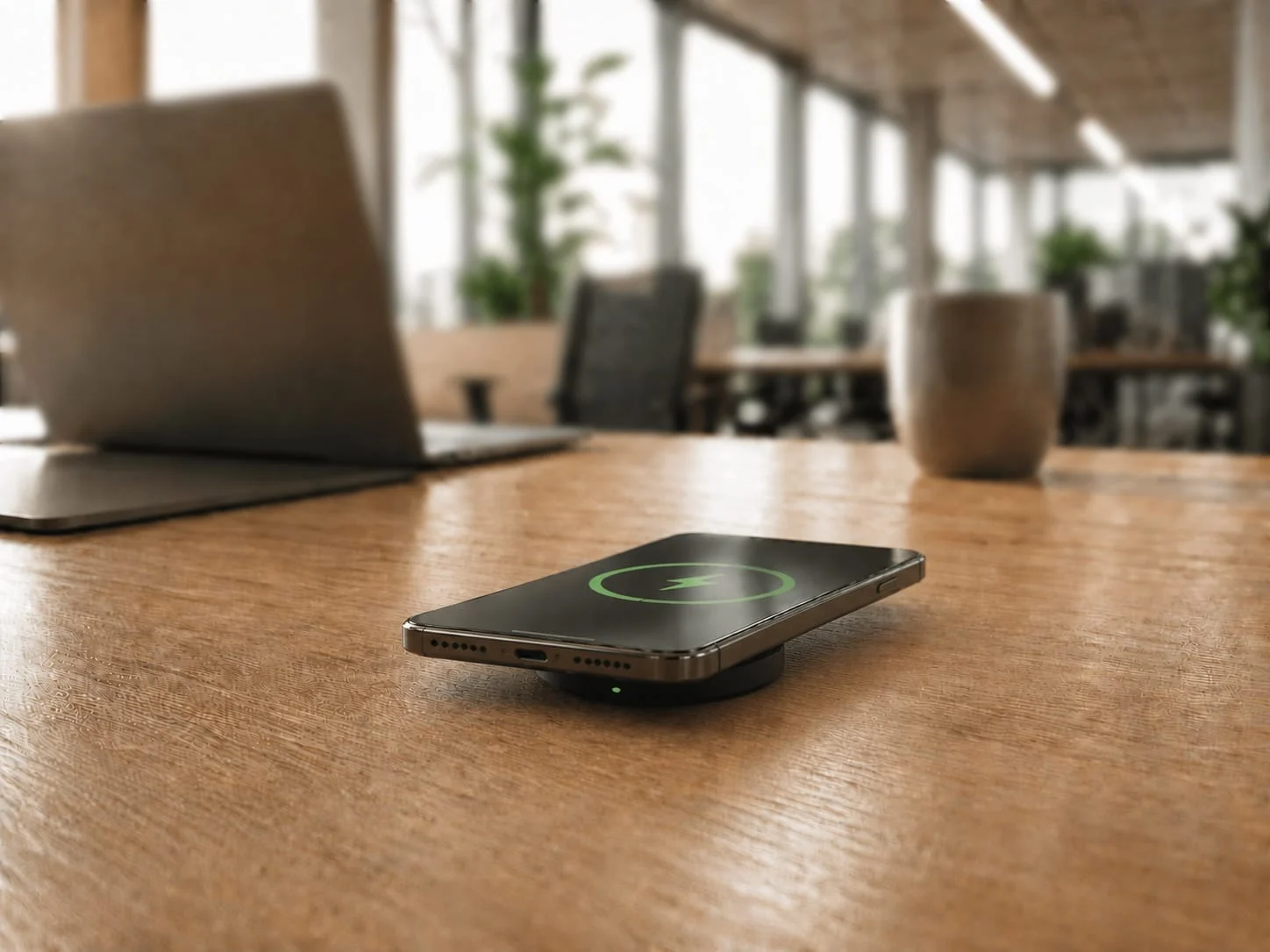
The short version: search “office wireless charging” and you get a wall of $20 desk pads. For a shared, hybrid workplace, that is the wrong tool bought from the wrong category. Here is what belongs on the spec sheet.
- The consumer pad you find on page one of Google is built for one phone on one nightstand, not a desk used by three people a week.
- Charging speed decides it. A 5W pad adds roughly 8% in an hour. A 25W unit takes a compatible phone from 20% to 70% in about half an hour. One changes behaviour, the other gets unplugged.
- Hot-desking has turned the desk into shared equipment, so the charger on it is shared equipment too.
- Specify it the way you specify power and data: commercial-grade, RCM marked and AS/NZS compliant, and built into the desk, not sitting on top of it.
Open a new tab and search for office wireless charging, and you will find a shopping aisle: leather charging mats, three-in-one alarm clocks, and hidden under-desk pads, most of them under $60.
That is the problem in one screen. The market has taught facilities managers to treat workplace charging as a desk accessory, a small reward bought from the same shelf as a mouse mat. In an office where people share desks, move between meeting rooms, and run their entire working day through a phone, charging has quietly become part of the building’s plumbing, and it should be bought that way.
Why does office wireless charging keep getting bought as a gadget?
Because the search results train you to. The top of every result page is consumer retail, so the default mental model becomes “pick a pad, put it on the desk, done.” That framing works at home, where one person charges one device overnight. It falls apart the moment a charger has to serve a rotating cast of people, all day, for years.
A workplace charger competes with the wall socket and the network port, which nobody calls amenities and which have to work every time a different person sits down. The gadget framing leads to gadget outcomes: slow units, loose pads that walk off, and a quiet decision six months later that “we tried wireless charging and people did not really use it.”
The category error is the expensive part, because a desk accessory comes with desk-accessory reliability.
How does office wireless charging actually work?
It works by induction: a coil in the charger creates a magnetic field, a coil in the phone turns that field back into current, and the phone charges without a plug. Almost every modern phone supports this through the Qi standard, maintained by the Wireless Power Consortium, so the same unit charges iPhone and Android alike.
For an office, check which version of Qi you are buying. Older Qi pads top out at 5W to 15W. The newer Qi2 25W profile, launched in 2025, lifts that to 25W and adds magnetic alignment so the phone snaps to the right spot instead of being placed roughly near it. Misalignment is the single biggest reason people conclude a pad “does not charge.”
If you want the deeper technical breakdown of the standards, our Qi2 charging explainer covers what certified versus compatible actually means. For specifying a workplace, three things carry the decision: speed, alignment, and whether the unit is built to run all day without cooking itself.
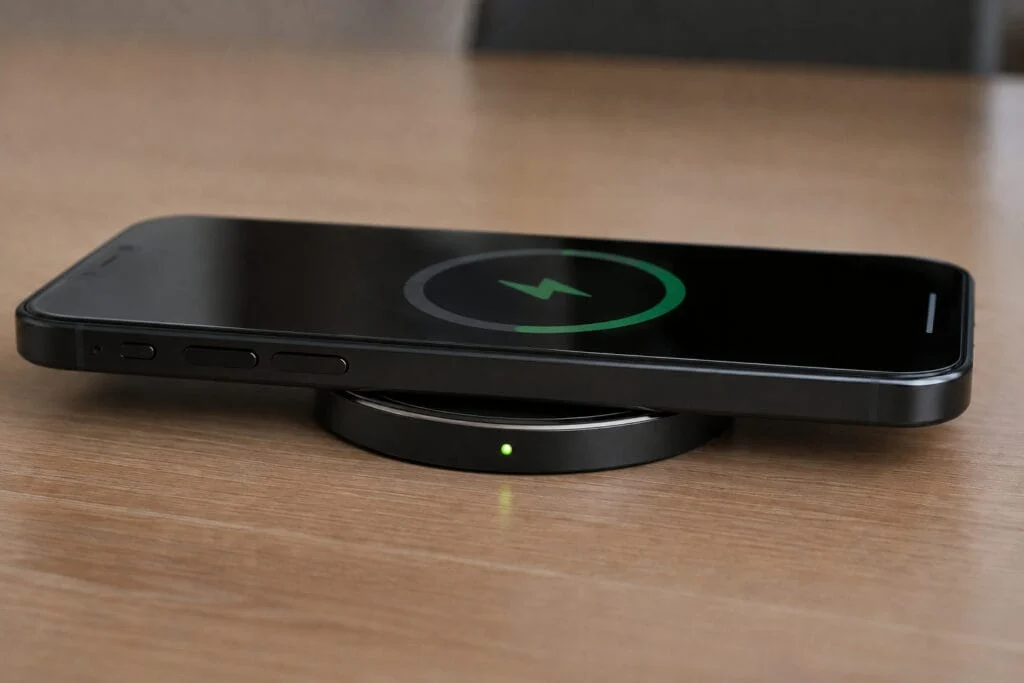
The desk isn’t yours anymore
The dedicated desk, owned by one person who could leave their own charger plugged in, is disappearing. Across the Asia-Pacific region, CBRE research points to desk sharing becoming steadily more common, as a growing share of companies move away from a dedicated desk for every employee. A desk is increasingly shared equipment rather than personal property.
That shift quietly breaks the consumer-pad logic. If three different people use a desk across a week, nobody is bringing their own charger and nobody is responsible for the one that is there. It has to belong to the building. We cover this in depth for hot-desk and coworking floors, and for the communal charging stations most offices reach for first.
The shared-desk model also has a friction problem worth respecting. Among Australian workers, hot-desking research found more than half feel anxious about finding a desk and nearly a quarter lose up to 30 minutes a day just setting up, with a 2024 La Trobe University review linking the practice to lower morale and more distraction. When the workday already starts with friction, a charger that does not reliably work is one more small reason the office feels like it is fighting the people in it.
Why do consumer wireless chargers fail in a shared office?
They fail on speed and durability. The idea is sound, but hardware sold as a desk accessory is not built for shared commercial use.
Start with speed, because it decides everything. At 5W, someone sitting for an hour gains about 8% battery: they glance at the phone, see almost no change, and stop bothering. At 25W, a compatible phone goes from 20% to 70% in about half an hour, enough to notice and enough to rely on. Below that threshold a charger is decorative.
Then durability. A consumer pad is rated for one device a night. A workplace unit faces dozens of placements a day, every working day, for years. Cheap coils drift out of calibration and cheap housings crack. There is also a compliance gap most buyers never check: a commercial wireless charger sold for an Australian workplace should be RCM marked and AS/NZS compliant, and a $30 import usually is not. Our SwiftPro 25W is built for exactly this load: it meets Qi 2.2 MPP standards, charges current iPhones at up to 25W and other Qi devices at up to 15W, and carries a 24-month commercial warranty. It is a $139 piece of equipment rather than a $30 accessory.
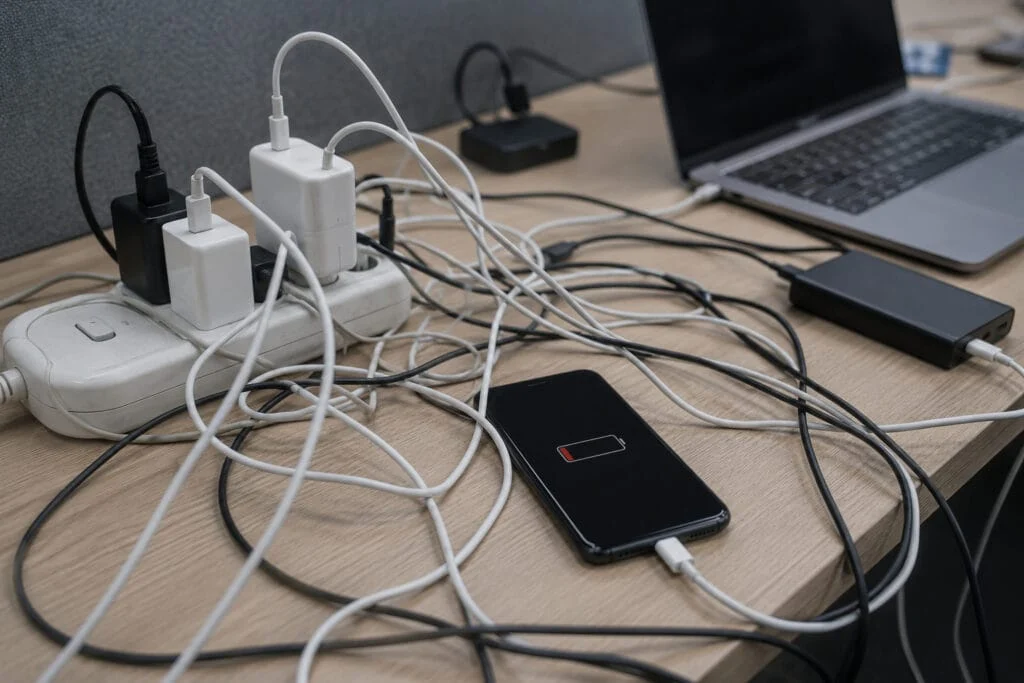
What does desk cable clutter really cost a workplace?
It costs more than it looks, because the cost is mostly invisible. A tangle of charging cables across a shared bench is the obvious symptom: trip risk, snapped connectors, the daily hunt for a cable that fits. The less obvious cost is what it signals. A desk strung with mismatched cords is a desk nobody owns and nobody maintains.
A pad on a cable still misses the point. Dropping a wireless charger on the desktop and running its lead to a power board adds to the clutter. Real integration means the charging surface is the desk, with the hardware hidden underneath and the cabling managed inside the furniture, so a tidy surface stays that way.
For a hybrid office trying to make in-office days feel worth the commute, the finished surface matters. A clean desk that charges your phone when you set it down reads as a workplace someone designed.
Wireless charging is following the path WiFi already took
We have watched this exact curve before. In 2010, offering guest WiFi was a differentiator you could brag about. By 2015 it was expected. By 2020 a building without it was broken. Workplace charging is sitting at the 2010 point on that same curve: still a differentiator today, heading fast toward baseline expectation.
The demand pressure is structural. People run their working day through a phone now: multi-factor logins, calendar, Teams and Slack, desk booking, building access, the lot. By one widely cited measure, people check their phones around 144 times a day. A flat phone locks a worker out of the tools the office runs on.
And the office increasingly has to earn the visit. JLL’s workforce research found nearly 40% of employees think their office experience could be better, with the quality of the fit-out and amenities high on the list. Charging that just works is a small, constant proof point that the building is on the employee’s side.

How should you specify office wireless charging?
Specify it like power and data, not like stationery. Five things belong on the spec sheet, and they are all checkable before you buy.
- Speed. Insist on 25W. A unit that meets Qi 2.2 MPP standards with magnetic alignment is the only tier that returns enough charge in a normal sitting to change behaviour.
- Certification. For the Australian market, confirm the unit is RCM marked and AS/NZS compliant. A consumer import off an overseas marketplace usually cannot show this.
- Durability. Buy for daily shared use, with a commercial warranty behind it, not a one-device-a-night consumer rating.
- Integration. Build the charger into the desk so the surface charges and the cabling disappears. A pad sitting on top is a half-measure.
- Fit-out timing. This is the one most offices get wrong by waiting. The cheapest moment to integrate charging is during a fit-out or refurbishment, while the joinery is open.
That last point is why so much of this gets specified through fitout and joinery partners rather than bought a unit at a time. A purpose-built unit like the SwiftPro 25W installs through a single 15mm hole and fastens from below, so maintenance staff fit it in minutes without an electrician, into laminate, timber, or stone. Spec it once, into the furniture, and it behaves like the rest of the building’s infrastructure, unnoticed until the moment someone needs it.
If you are at the design stage, we go deeper on speccing charging into the fit-out and joinery, and on conference and boardroom tables specifically, where shared, mixed-device use is at its most demanding.
Frequently asked questions
Will office wireless charging work with all phones?
Yes. Wireless charging works through the Qi standard maintained by the Wireless Power Consortium, so the same unit charges iPhone and Android alike. The SwiftPro 25W meets Qi 2.2 MPP standards, charging current iPhones at up to 25W and other Qi devices at up to 15W.
How fast does it actually charge?
Speed is the whole decision. A 5W pad adds only about 8% battery in an hour, so people glance at it, see almost no change, and stop bothering. A 25W unit takes a compatible phone from 20% to 70% in about half an hour (on devices that support 25W charging, like recent iPhones), enough to notice and rely on, and magnetic alignment snaps the phone to the right spot so it charges every time.
Do I need an electrician to install it?
No. The SwiftPro 25W installs through a single 15mm hole and fastens from below, so maintenance staff can fit it in minutes into laminate, timber, or stone. It sits about 7.5mm proud of the surface by design (not flush), low and clean.
Is it worth specifying for shared and hot desks?
Yes. When a desk is used by three different people across a week, nobody brings their own charger and nobody owns the one that is there, so it has to belong to the building. A consumer pad rated for one phone a night will not survive that load, which is why a commercial unit makes sense for shared desks.
How durable is a commercial unit, and is it warranted?
A workplace charger faces dozens of placements a day for years, far beyond what a consumer pad rated for one device a night is built for. The SwiftPro 25W is built for that load, is RCM marked and AS/NZS compliant for the Australian market, and carries a 24-month commercial warranty. A $30 overseas import usually cannot show the same compliance.
Planning a fit-out or upgrading shared desks? Stay Charged supplies commercial wireless charging built for Australian workplaces, and works with office fitout and joinery partners to integrate it cleanly. Book a free consultation to scope the right units and quantities for your space.